How do I upgrade to mission membership?
This guide instructs how to upgrade an existing account to Mission Membership.
For new accounts, please see the guide here How do I create an account?
To upgrade to Mission Membership, log in to your account, and access your account and membership settings.
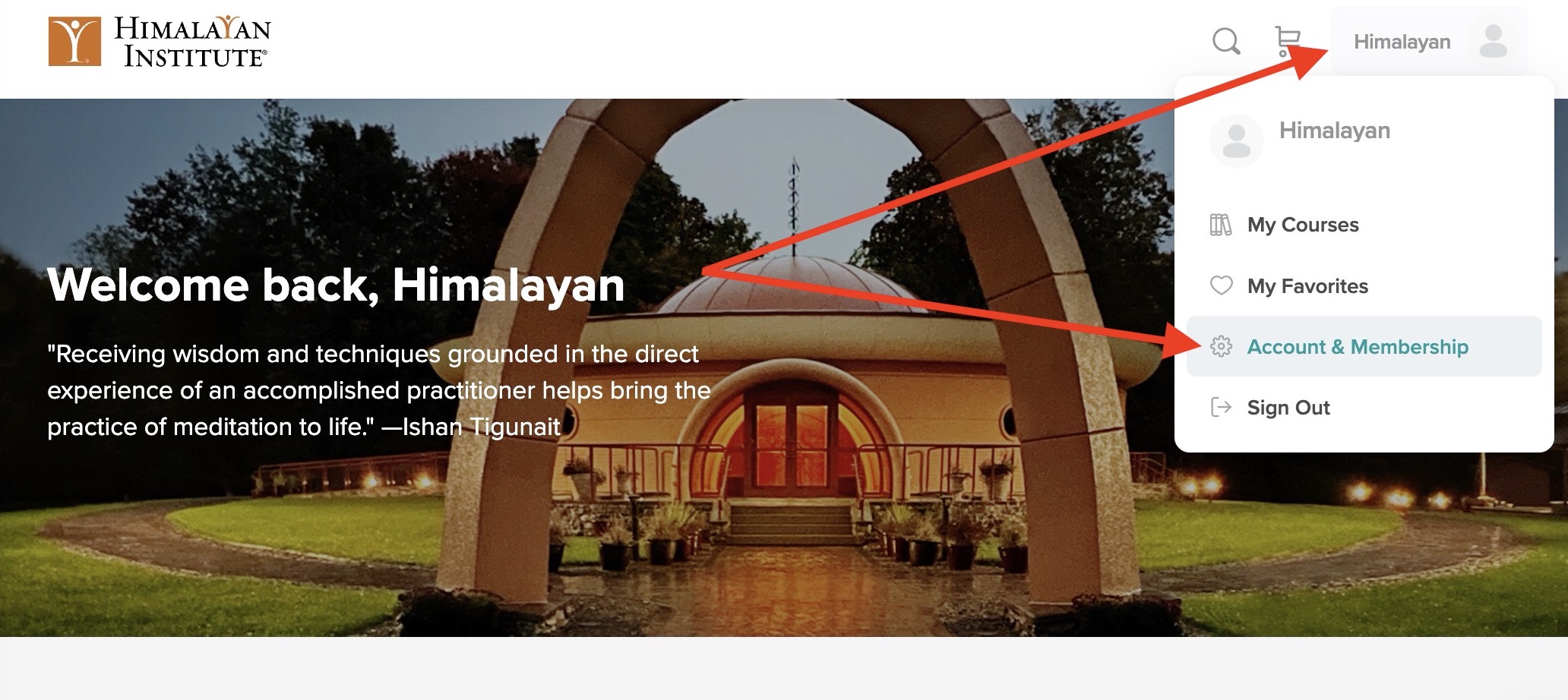
Select the Membership & Billing tab, and then select Change Membership Level.

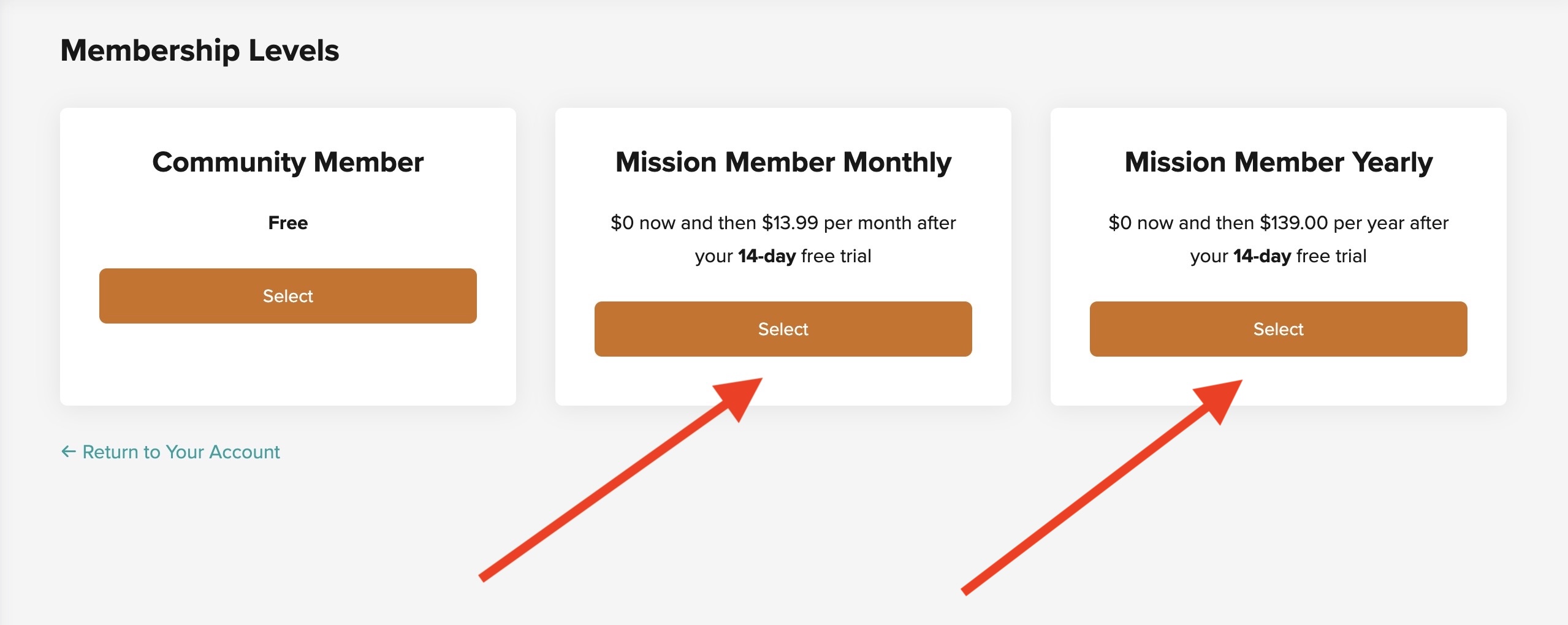
Then, select your Mission Membership tier. Mission Membership is $13.99 per month, or you can save 2 months of payments by selecting the Yearly billing cadence.