
How do I update my billing info?
The following guide is for Mission Member accounts set up with a credit card payment.
For accounts set up with PayPal, you will need to update your payment details through your PayPal account.
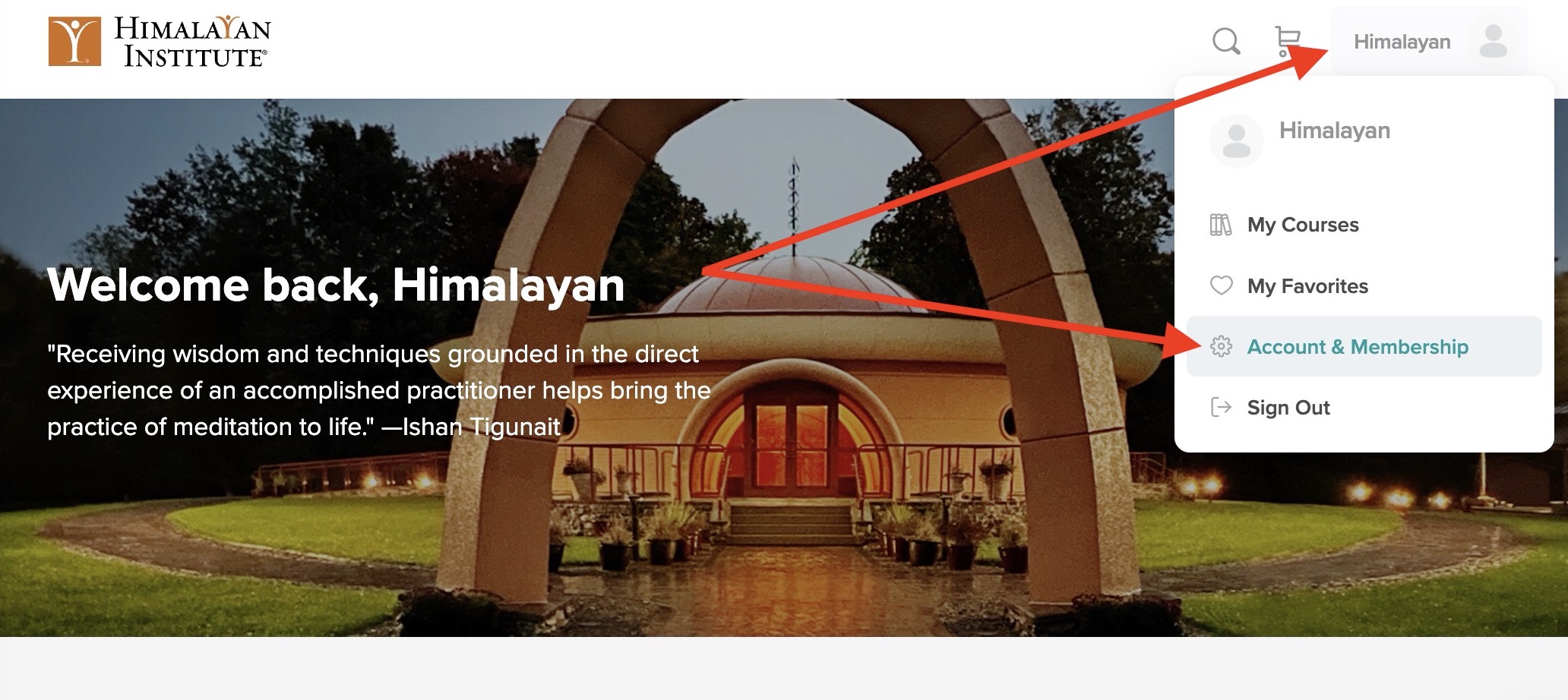
To update your billing info, log in to your account, and access your account and membership settings.
Select the Membership & Billing tab, and then select Edit Billing Info.
